AI video production workspace
Organize reference assets and prompts, compare lower-cost drafts, and render selected shots in 1080p or 4K with supported models.
Seedance 2.5 Gemini Omni 1.2 Flash Seedream 5.5
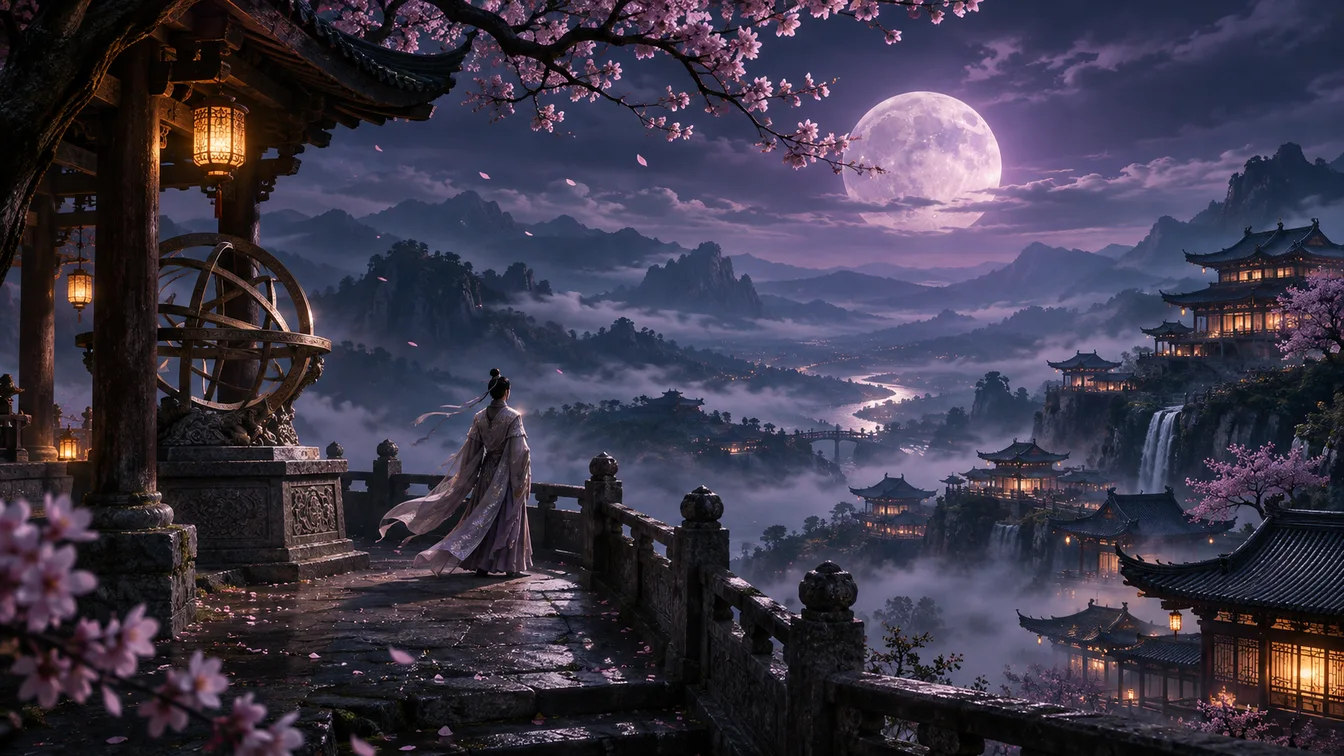
Make ads with your Agent
Give your Agent a brief and product references. With Kivo Ad Shots and Kivo Studio MCP, it can plan the shots, quote a Draft and render the take you approve.
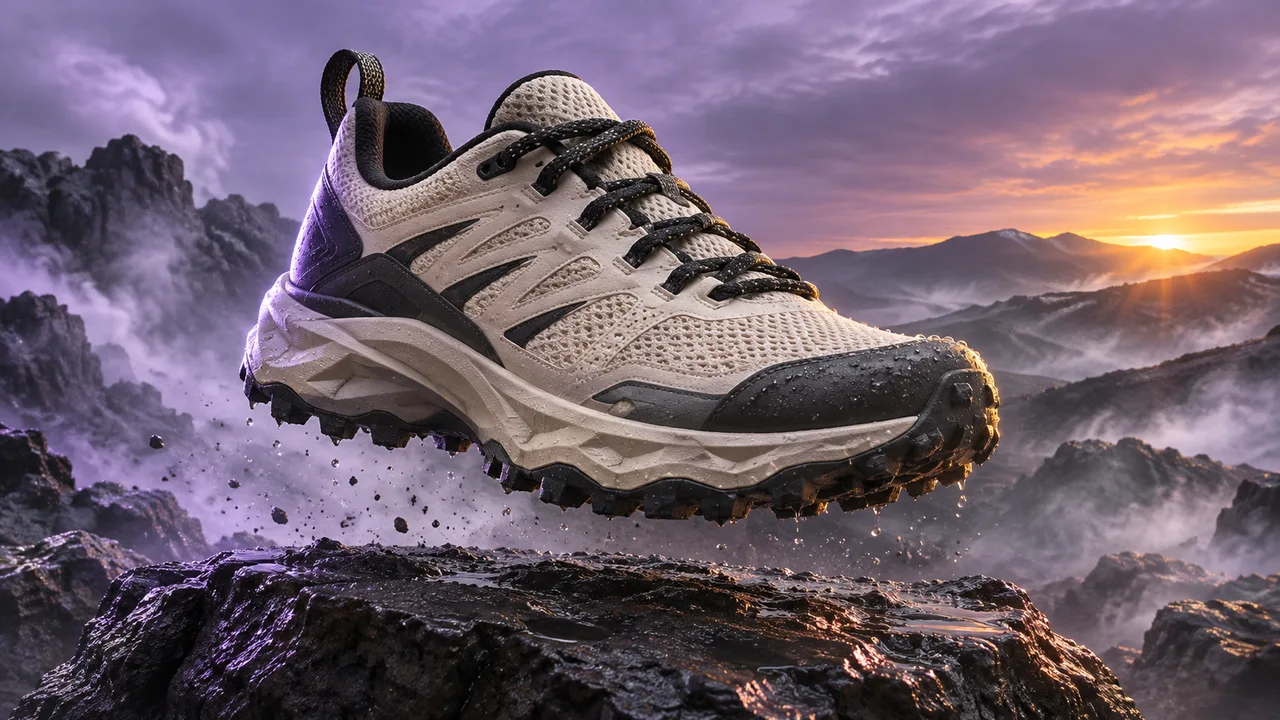 16:9
Trail running spot
Open on the terrain, track the shoe in motion and hold on the product for the final beat.
Special shots & VFX
Give your Agent one shot to solve. Describe where the camera starts, what it follows and where it stops. Use Kivo Ad Shots and MCP to check the movement in a Draft before rendering the final.
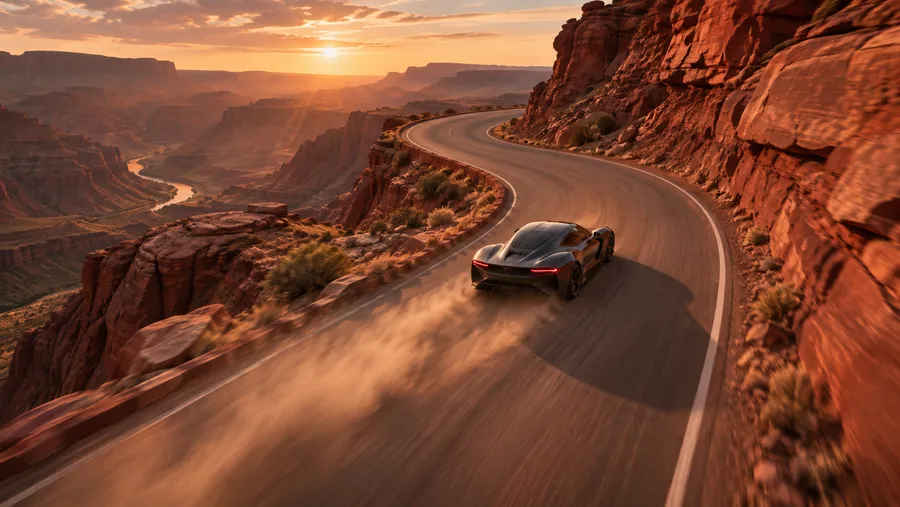
Aerial / FPV
Concept frameFollow a car around a bend and reveal the landscape.
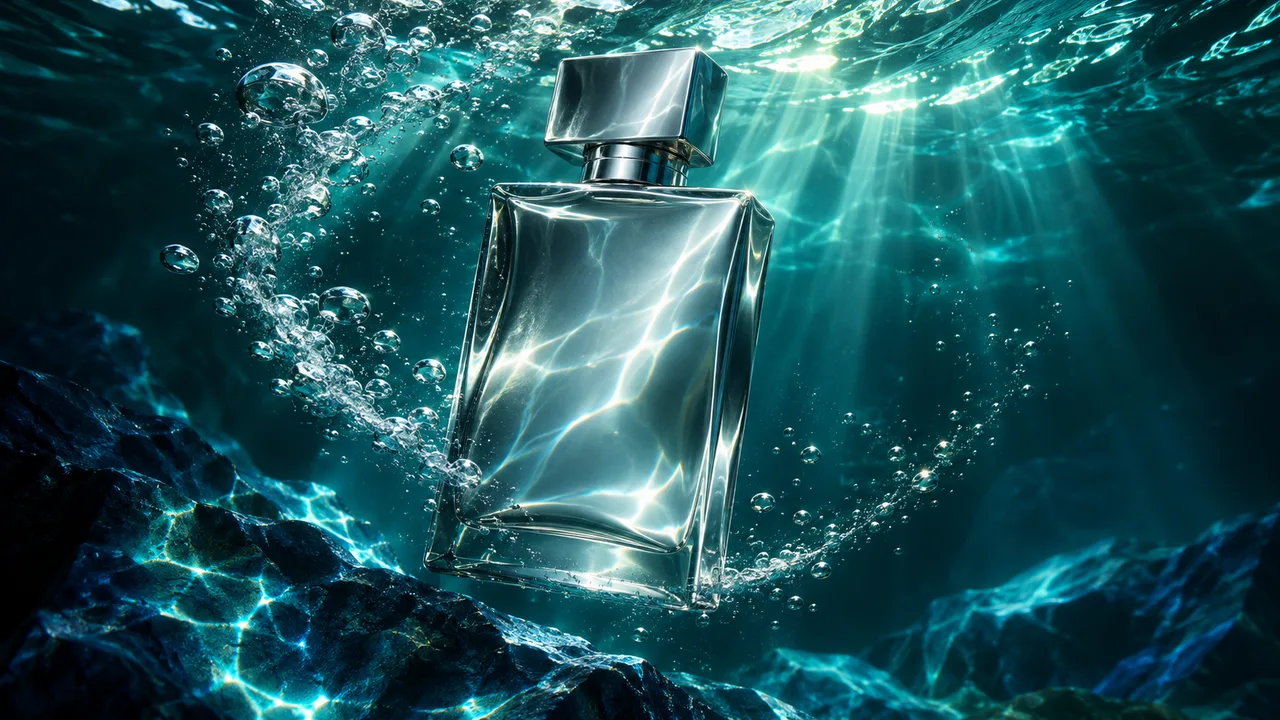
Underwater
Concept framePush in as bubbles clear. Check the bottle’s shape and refraction in the Draft.
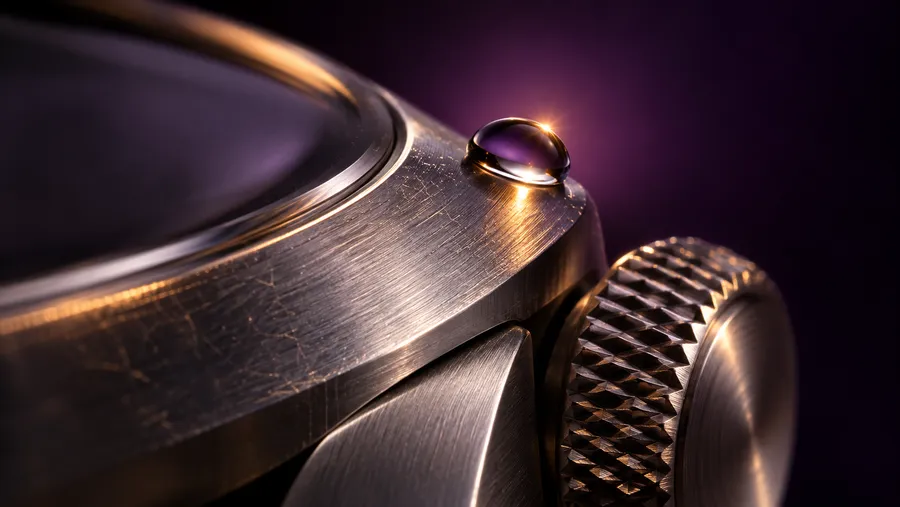
Macro
Concept frameShift focus from a droplet to the texture of the product.
Crane / slider
Glide past a foreground object to reveal the set.
Product tracking
Keep a moving product in frame as the background changes.
Timelapse
Lock the frame as the light changes from day to night.
Surreal compositing
Change the world around the product while keeping its shape.
Studio preview
Render the selected draft
Choose the resolution and check the credit quote before rendering.
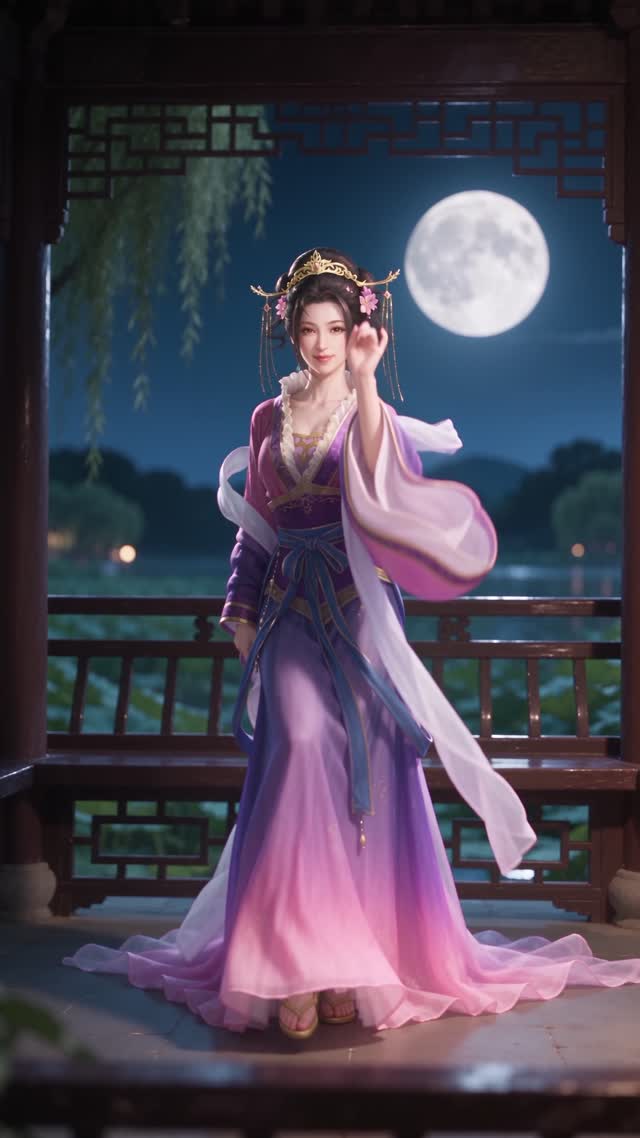
Studio demos
English narration and English subtitles.
See what the models can do.
Example results. Your next creative direction.
Give the shot a story.
Explore reference-led motion and longer scenes in the examples below. In Kivo, test a direction with a 480p Draft, then render the selected take in 1080p or 4K.
- Reference control
- Draft → final
- Up to 30s per shot
A paper puppy and a real-world scene: a reference-led example of mixed visual styles.
Workflow guides
Gemini Omni: from a 360p Draft to a 4K final
Plan one shot, test it at lower cost, then upscale the take you choose. A practical Kivo workflow with prompts, resolution choices and credit examples.
Read articleFree depth video: turn motion into a reusable reference
Convert a clip up to 30 seconds into a free depth-video reference, then combine its spatial cues with your own character or product images in Seedance 2.5.
Read articleConnect your Agent to Kivo Studio with MCP
Plan and generate with an Agent, then compare Drafts and finish your shots on the website. A practical guide for individual creators and small teams.
Read articleA few things to know
ContactWhat can I create?
Create images, short video and audio for games, anime, virtual humans, AI films and TVC ads. Kivo does not export 3D meshes, rigs or engine-ready game assets.
When are credits charged?
Only after a result is generated and saved. Failed jobs cost no credits. If concurrent results exceed your balance, saved results wait for a top-up before delivery.
Can I create virtual-human videos?
Yes. Use reference images and prompts to create virtual-human shots for AI films, ads and other projects. You must have the rights to your references; inputs and outputs remain subject to content checks and model rules.